Glamasters
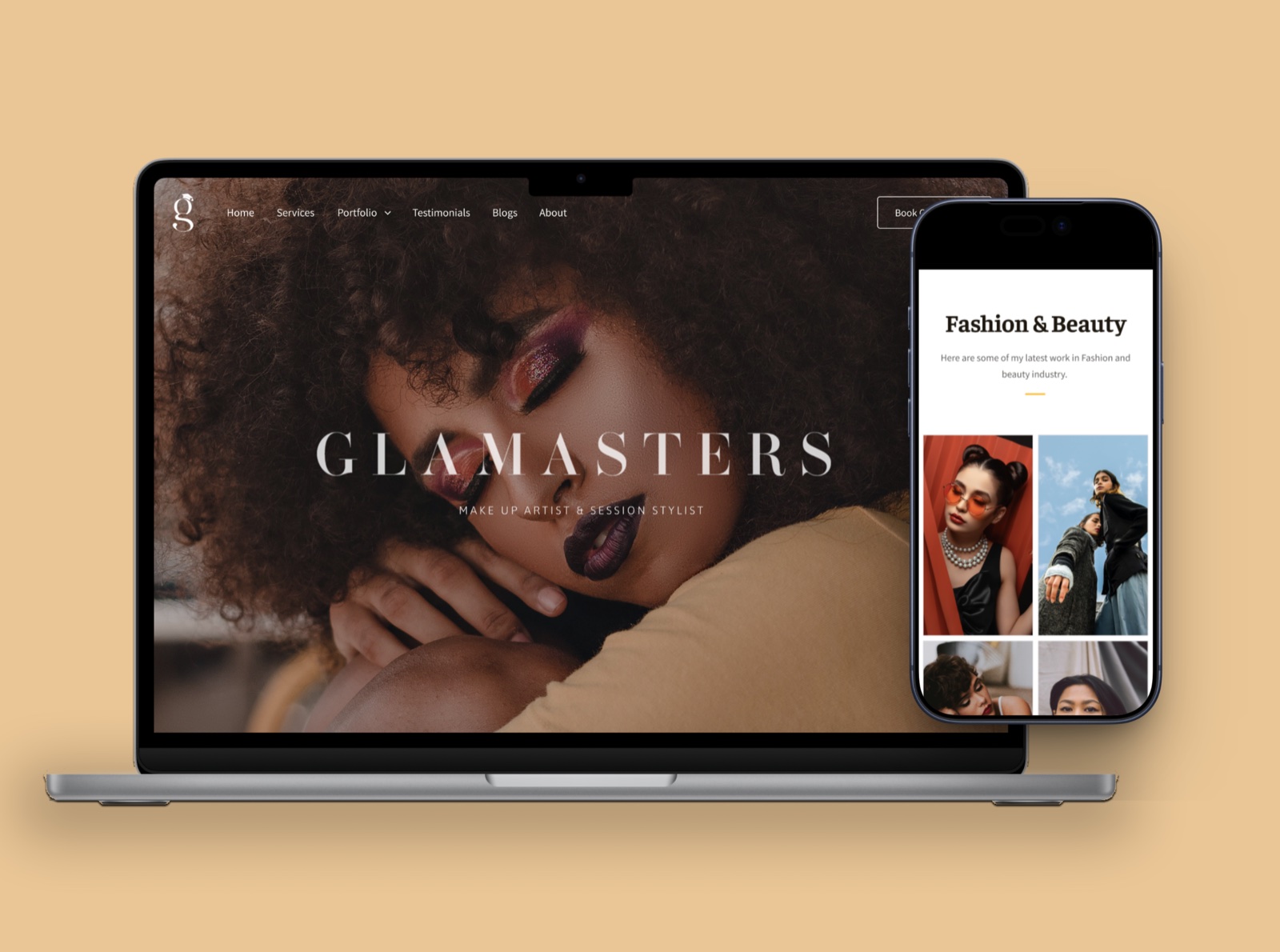
A researched, responsive site and logo for a Bangalore makeup and hair stylist, built to be maintained by the stylist herself.
About
Sangeetha is a makeup and hair stylist based in Bangalore. She needed a simple website where she could show her work and make it easy for people to book her.
The task was to design and build a responsive website and a logo from scratch, on research rather than taste. It had to be clean, minimal, easy to navigate, and easy for her to maintain afterwards.
Four weeks
The logo


The client requested a logo that includes both an iconic mark and a wordmark. She envisioned a design that feels sleek, classic and minimalist. Since one of her key offerings is hair and makeup classes, she wanted the logo to subtly reflect this aspect of her brand. She also specified a black and white colour palette for a timeless, versatile look.
For the wordmark, I used Ambroise Std Demi with a third of the height’s spacing between each letter, for a sleek luxe look and easy readability.
Cap height is 3x. The space between letters is 1x, a third of it.
The iconic mark was based on the first letter of the brand name, the letter g, with the ear of the alphabet designed as a square academic cap.
The logo was designed to look like a lower case g, continuing the serif style of the wordmark.
The lower part of the letter g was designed to look like an s, the first letter of the client’s name.
The ear of the letter g was designed to look like a square academic cap, to highlight the classes offered by the client to learn the art of hair styling and makeup.
The framework
Seven stages, each one feeding the next.
01 Target audience
The first job was working out who the site is actually for. Three groups, wanting three different things from the same stylist.
| ProfessionalPhotographers, brands, agencies, production houses, creative directors | BridalBrides and bridal parties seeking makeup and hair services | IndividualPeople who want to learn to do their daily makeup | |
|---|---|---|---|
| Primary goal | High quality visual content | Flawless, traditional yet modern | Learn everyday makeup skills |
| Motivation | Professional reputation | A wedding is once in a lifetime | Self-improvement |
| Key expectation | Fast turnaround | HD and airbrush makeup | Hands-on practice |
| Decision criteria | Portfolio quality | Instagram portfolio | Instructor credentials |
| Top concern | The artist will miss the shoot timeline | A faked portfolio | Not actually learning anything |
| Pain point | Hard to find artists | Overwhelming options | Few organised classes |
| Needs on the site | Shoot portfolio | Full bridal portfolio | Class curriculum |
| Needs on social | Behind-the-shoot content | Complete bridal gallery | Student transformation reels |
| Trust builder | Photographer referrals | Reviews, untouched bridal photos, trial satisfaction | Student reviews |
| Prefers to talk via | WhatsApp and email | WhatsApp, phone and Instagram DM | WhatsApp and Instagram DM |
Reading down the columns is what shaped the site. All three groups want to talk on WhatsApp, all three judge by portfolio, and all three need a different gallery. That is the entire argument for splitting the portfolio by service and putting one simple enquiry form everywhere.
02 Competitors
Next, three sites from artists offering similar services, compared on what they say, how they are structured, and how easily you can get anywhere.
- Soft colour palette
- Classic typography
- Simple navigation
- About and accomplishments
- Gallery
- Services with pricing, packages and a calculator
- Featured in
- Reviews
- FAQs
- Blogs
- Home
- About
- Gallery
- Services
- FAQ
- Reviews
- Blog
- Contact
- Top bar menu
- Pricing tabs
- Social media calls to action
- Enquiry form
- Editorial
- Text heavy
- Simple navigation
- About and accomplishments
- Gallery
- About the services
- Featured in
- Reviews
- Brand partners
- Home
- About
- Services
- Portfolio
- Featured in
- Reviews
- Contact
- Careers
- Burger menu
- Instagram call to action
- Enquiry form
- Banner heavy
- Classic typography
- Minimalist structure
- Brand introduction
- Brand positioning
- Services and offerings
- Gallery
- Featured in
- Reviews
- Contact and enquiries
- Home
- About us
- Careers
- Portfolio
- Blog
- Contact
- Top bar menu with dropdown
- Pricing tabs
- Location map
- Enquiry form
03 Hypothesis
What the research left us holding.
Brainstorming against those four gave nine things to build toward.
04 Moodboard
A moodboard came next, so the client could feel the atmosphere of the site before any of it existed. The direction was editorial: black and white as the base, warm neutrals underneath, generous whitespace, and photography left large enough to carry a page on its own.
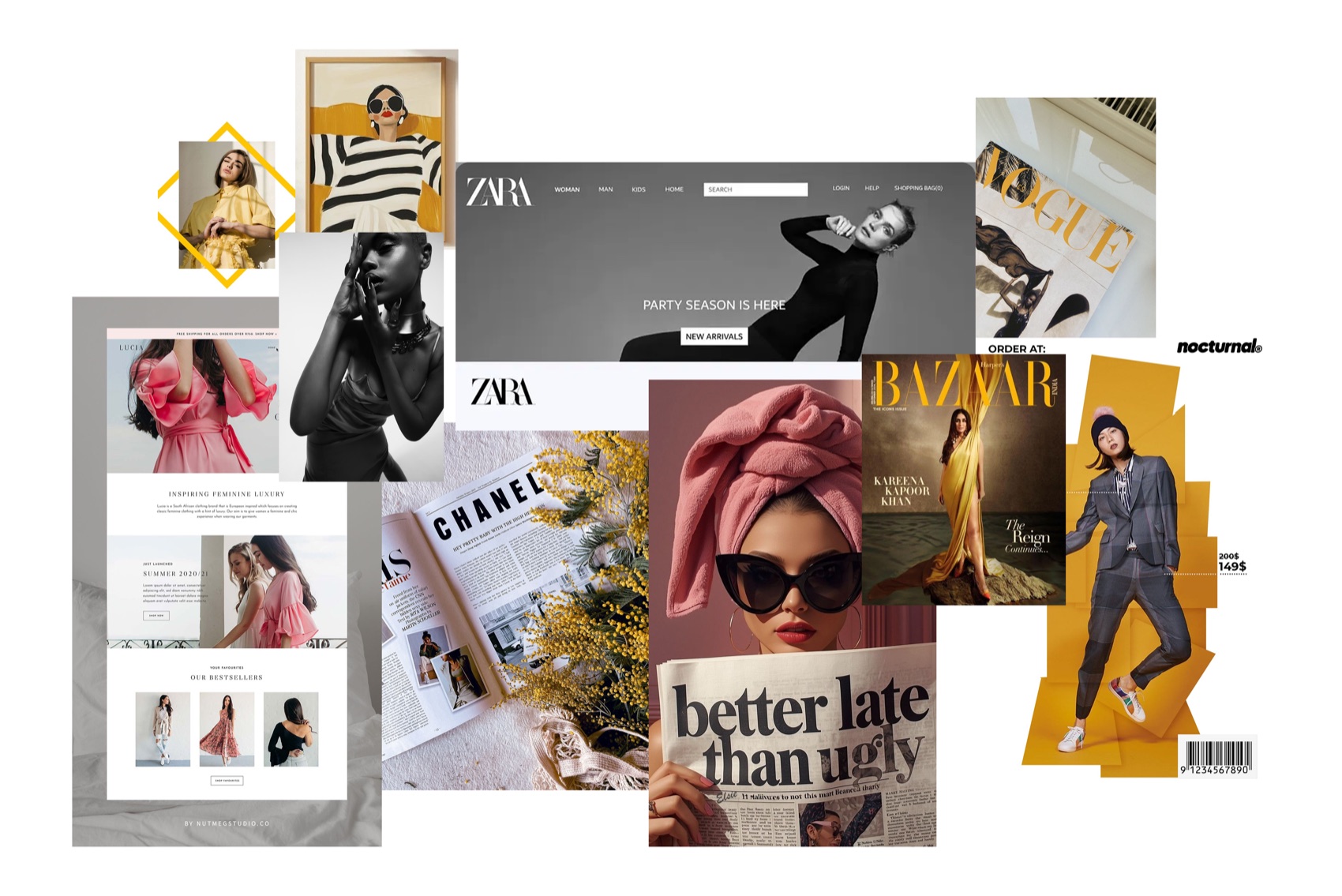
Reference imagery, collected to agree the direction with the client.
05 Sitemap
Home at the top, six pages beneath it, and the portfolio splitting three ways.
Deliberately left out, so the stylist could maintain it herself: separate pricing pages, a complex booking system, account logins, and heavy animation.
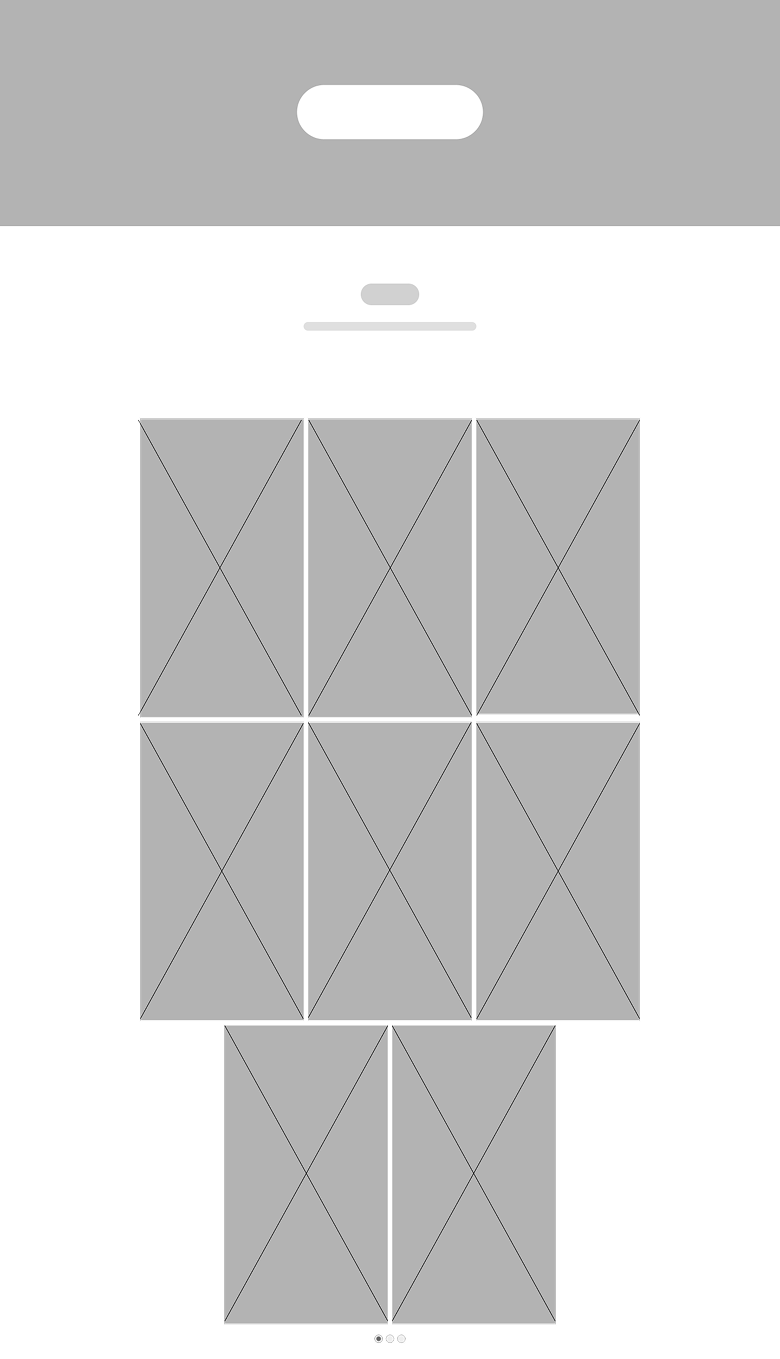
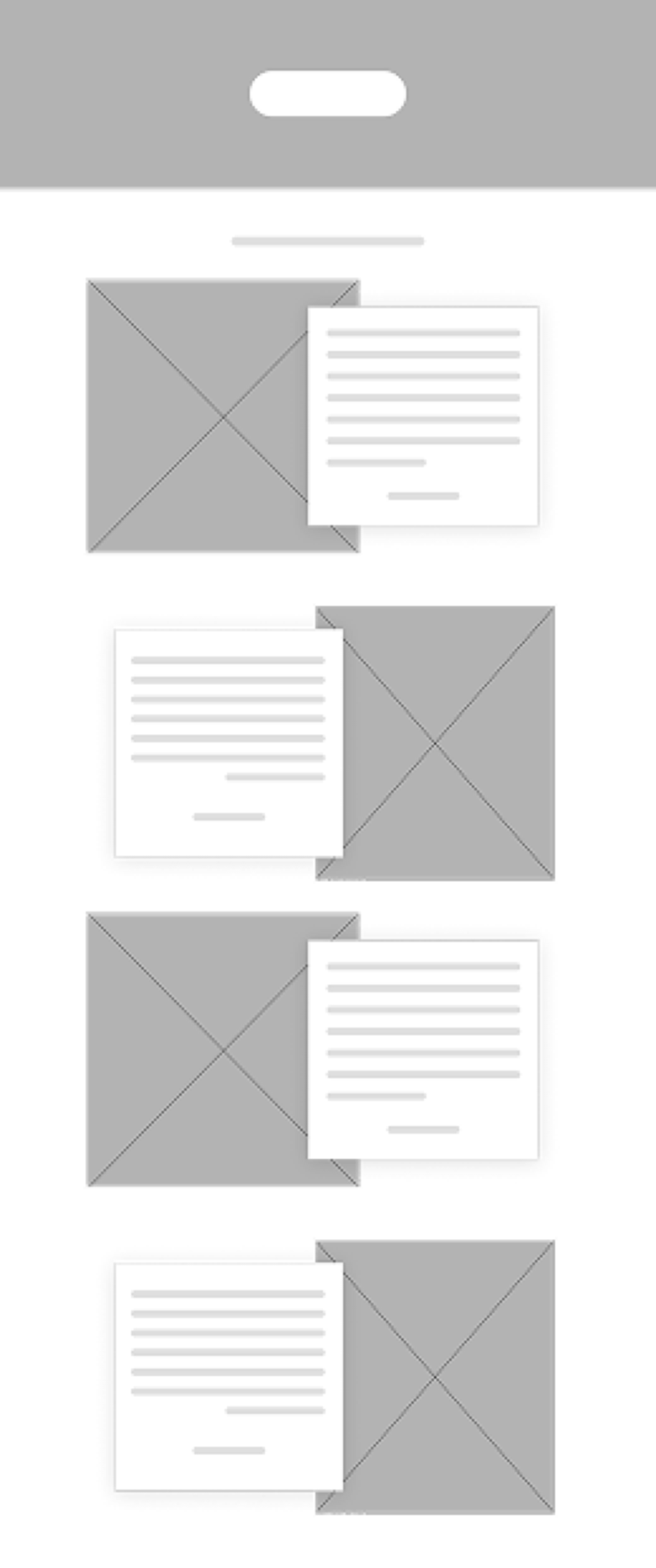
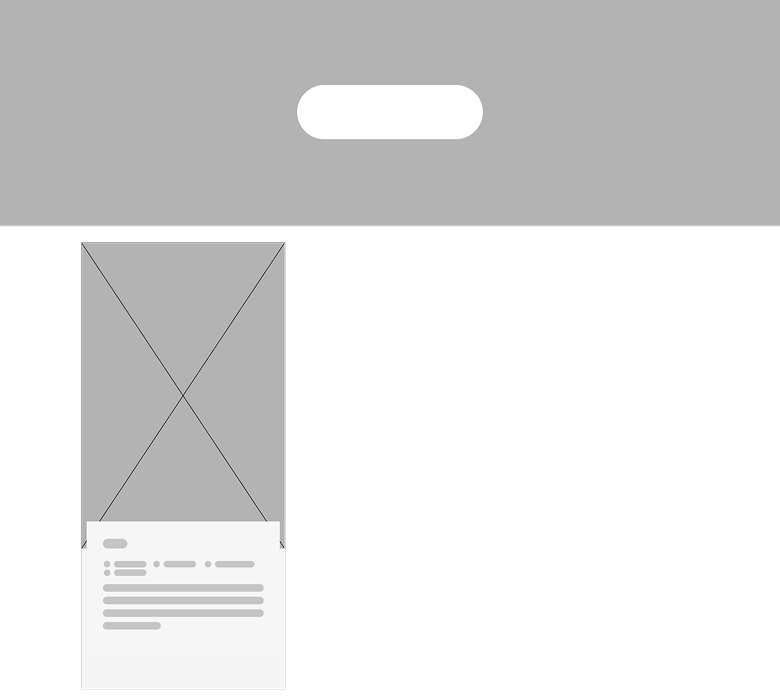
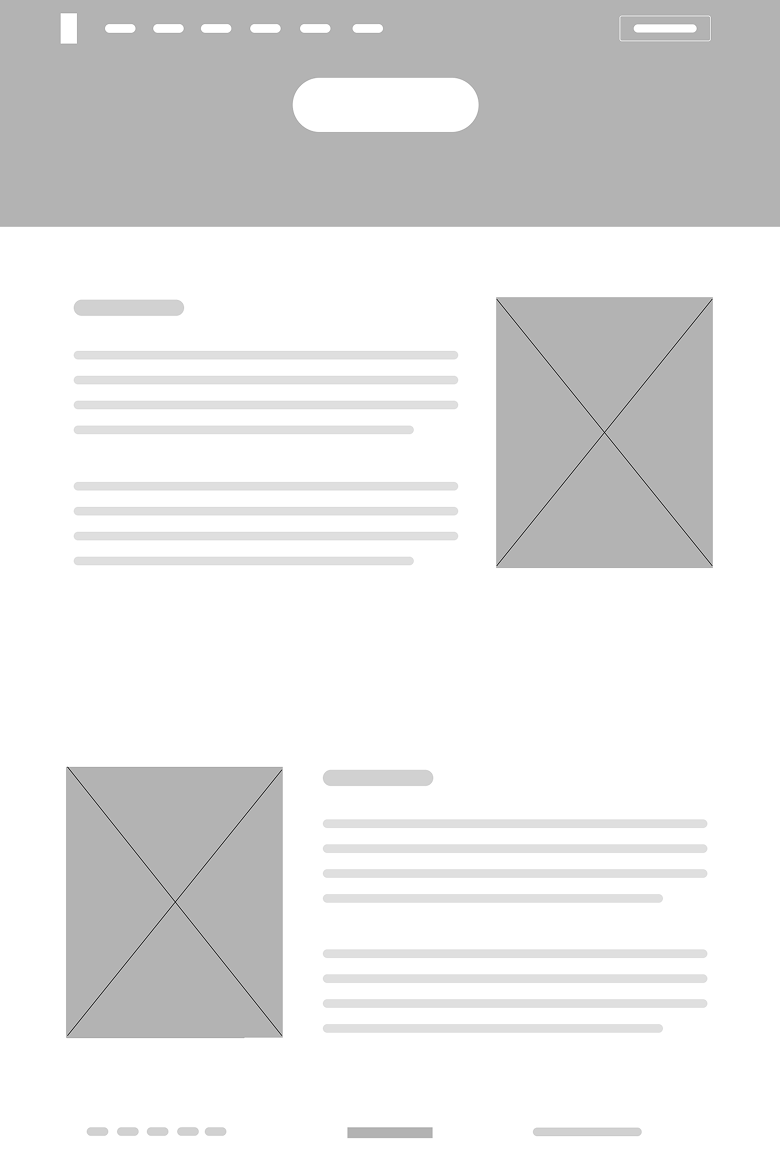
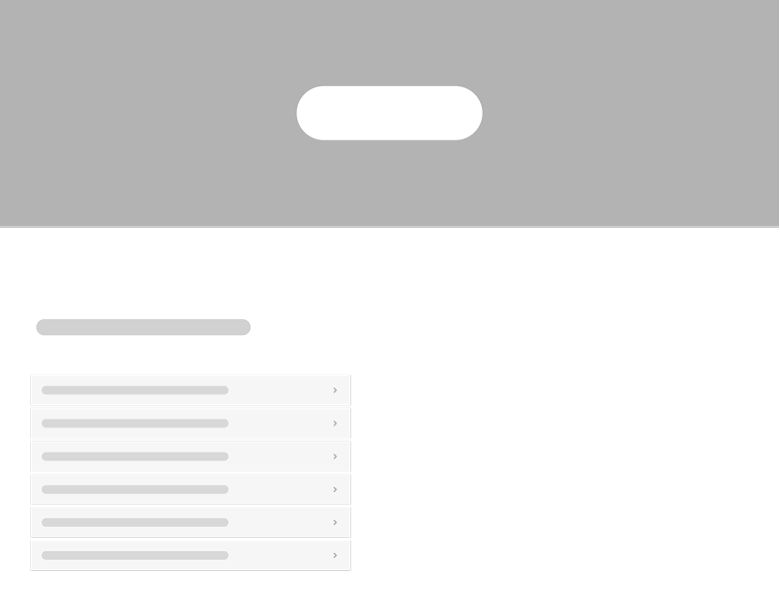
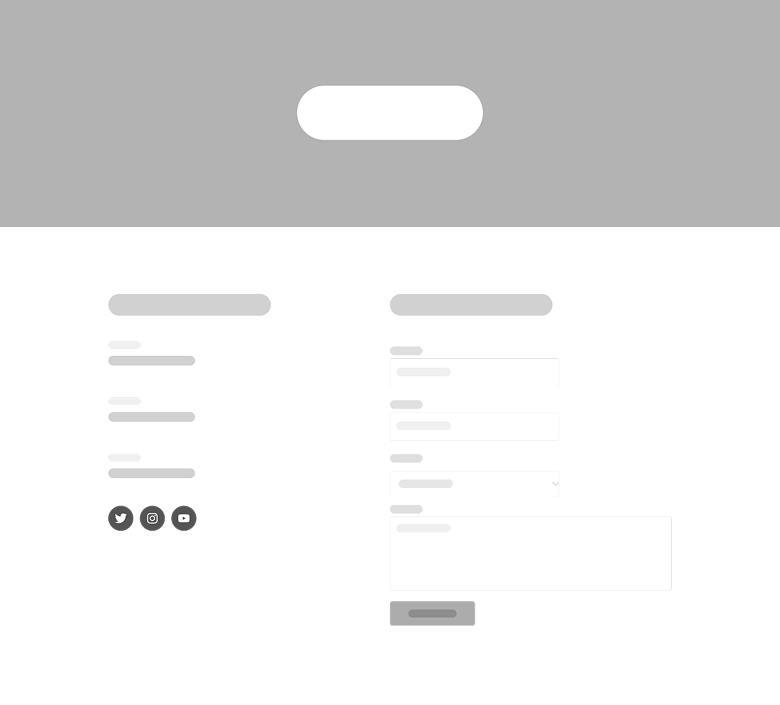
06 Wireframes
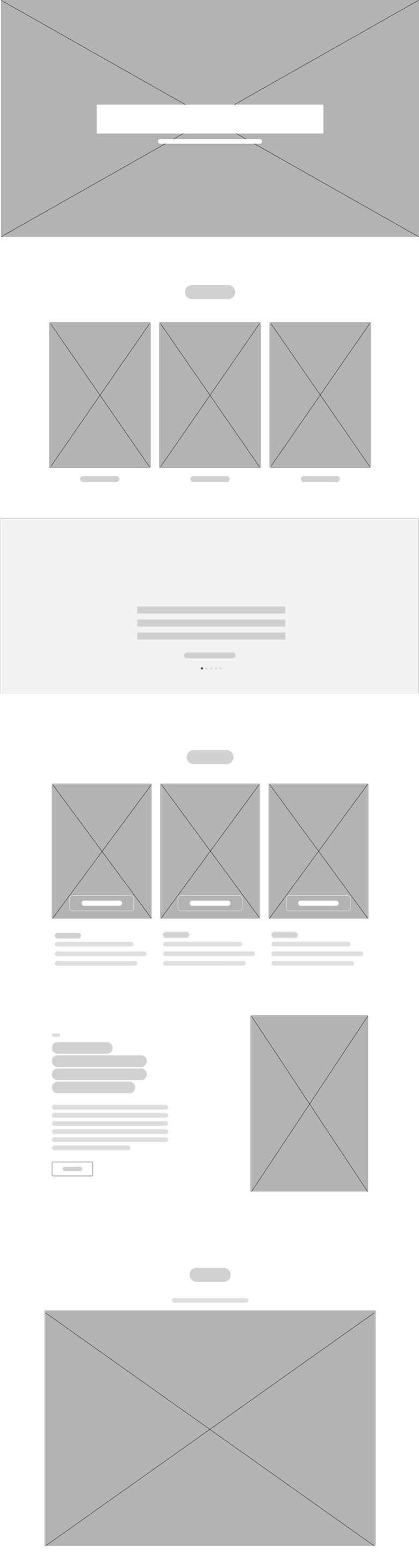
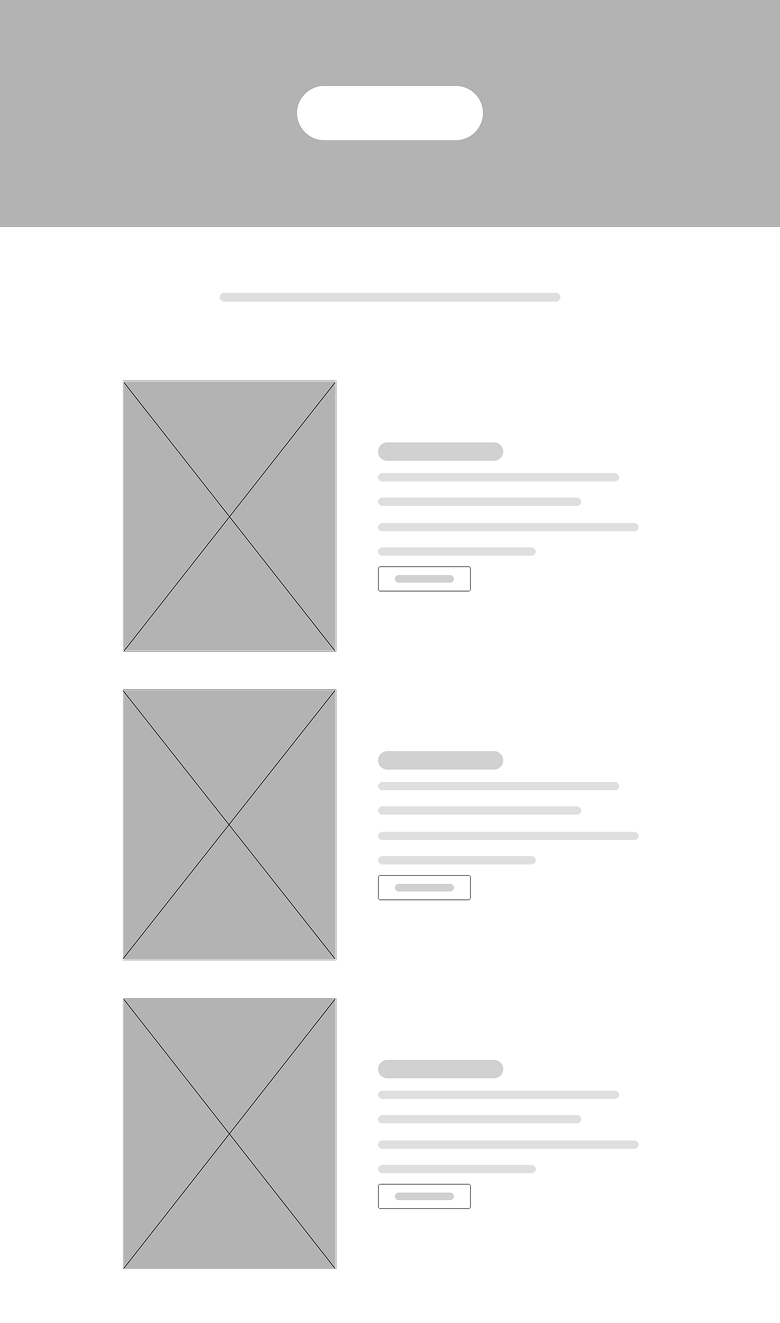
07 The UI kit
Black and white carries the page. The warm yellows do one job only, marking dividers, hover states and the one button that matters.
A type scale set twice, once for desktop and once for mobile.
The desktop build
The finished site, top to bottom. Hero first, then services, portfolio, testimonials and the enquiry form, with the consultation button always in reach.
The mobile build
The same site on a phone. The galleries stay large, the navigation collapses, and the enquiry form stays one thumb away.
Responsive
One design, two sets of rules. The type scale, button sizes and gallery columns each have a desktop and a mobile value, so nothing is simply shrunk to fit.